Welcome! 🙌
Enter your name and the class code
from Pastor Angie to join
from Pastor Angie to join
Your Name
Class Code
Complete your work
No assignments yet!
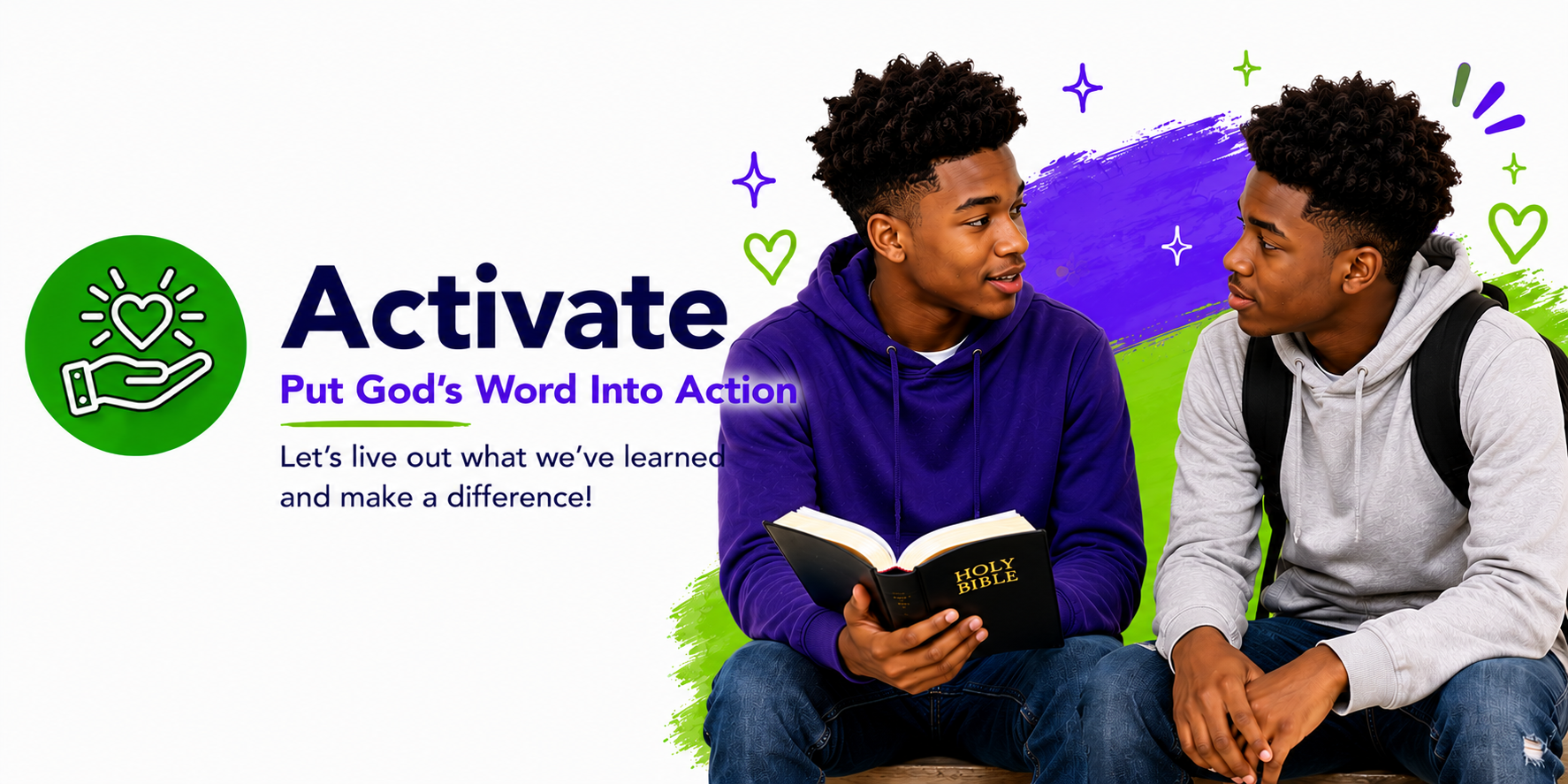
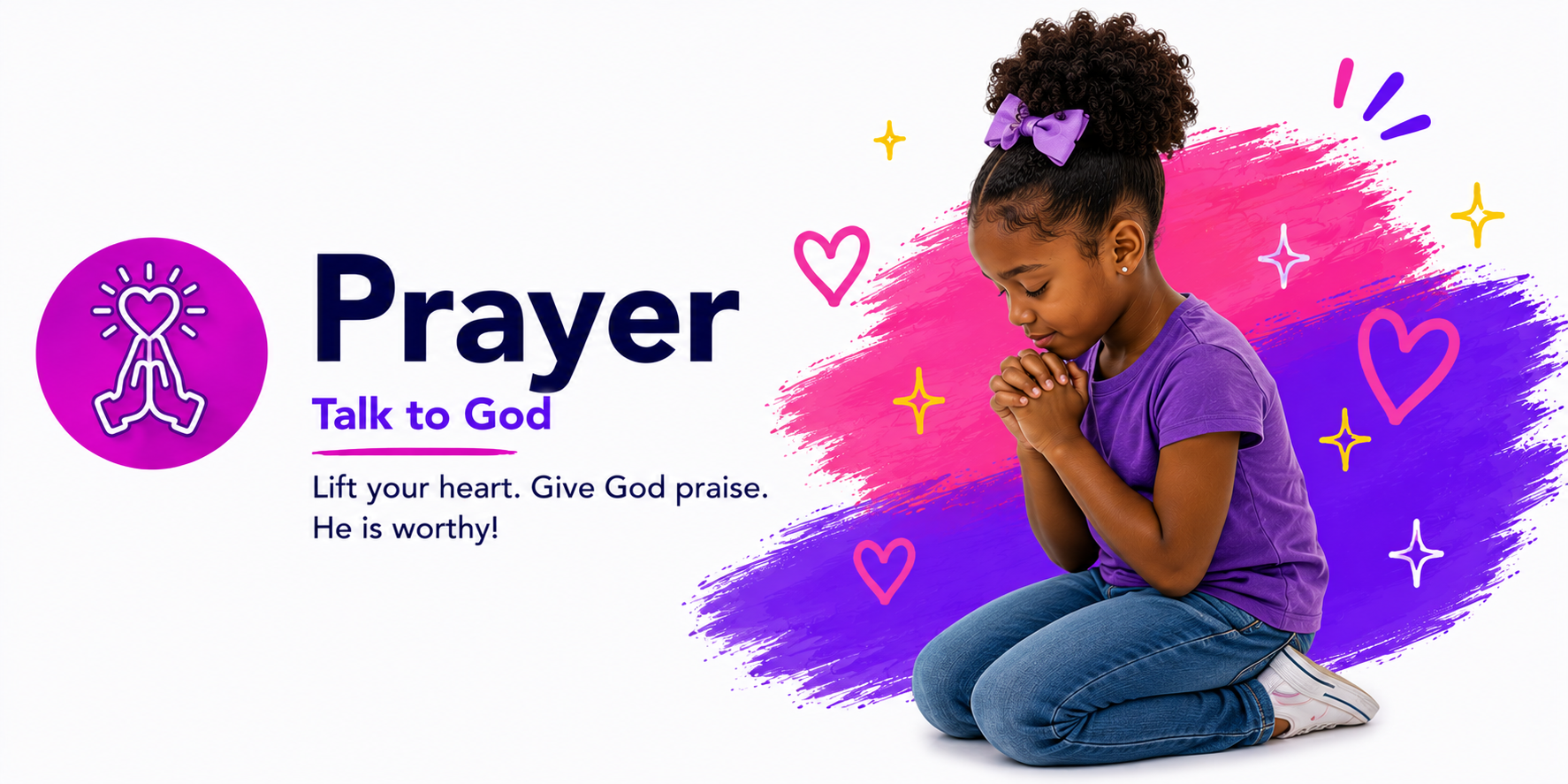
No requests yet. Be the first to share!
Serve & grow

Manage content for this week
Write a message for your students — it appears on their home screen when they open the app. Leave blank to hide it.
Your message Home screen video — paste a YouTube Shorts or regular YouTube link (optional)Students enter this code when they first open the app. Share it privately with your class.
Class codeSet a separate PIN for your assistant who teaches teens. She'll log in with her own code and only see teen content.
Edit the task for each day per group. Students see their group's challenges on the Activate screen.
Every student who has logged in under your class code — name and date/time stamped.
Tap Load Roster to see who has joined.
See which teens are engaging with lessons, SOAP journals, and reflections.
Tap Load Teen Activity to see who's joined.
Tap Load Teen Activity to see journals.
Tap Load Teen Activity to see reflections.
No lessons yet.
Overview of your class activity
Loading…
Loading…
Loading…
Loading…